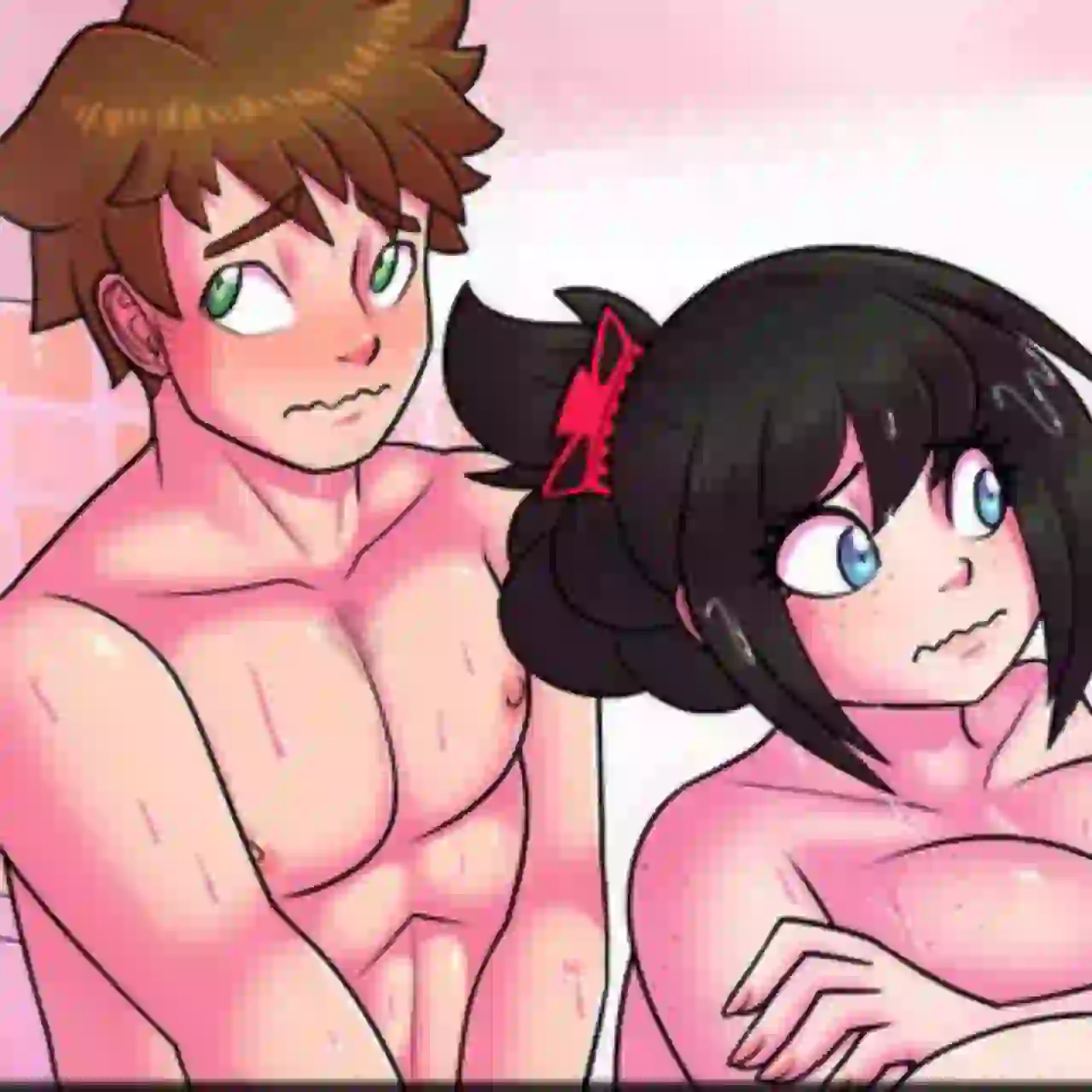
Download The Rural Homecoming APK Final (MOD, Saves + Gallery) For Android
How to Apply Saves File
- Download and extract the Saves.zip file.
- Copy the saves folder and paste it into: Android/data/com.NTRMAN.RuralHomecoming/files/NaninovelData
- If prompted, choose Overwrite or Replace the existing files.
- Launch the installed game again.
- Open the Load menu to access the save files. The Gallery should also be unlocked.
- If the gallery scene thumbnails appear blurred, don’t worry. Simply click on any scene to view it normally.
The Rural Homecoming APK Final Download (Link 1)
The Rural Homecoming APK Final Download (Link 2)
DOWNLOAD 100% Saves Files (Link 1)
If the game experiences unusually long loading times after adding the save files, clear the contents of the saves folder first. Next, restore the save files individually, launching the game after each addition. This method helps pinpoint the specific save file causing the issue, making troubleshooting faster and more effective.
DOWNLOAD 100% Saves Files (Link 2)
If the game experiences unusually long loading times after adding the save files, clear the contents of the saves folder first. Next, restore the save files individually, launching the game after each addition. This method helps pinpoint the specific save file causing the issue, making troubleshooting faster and more effective.