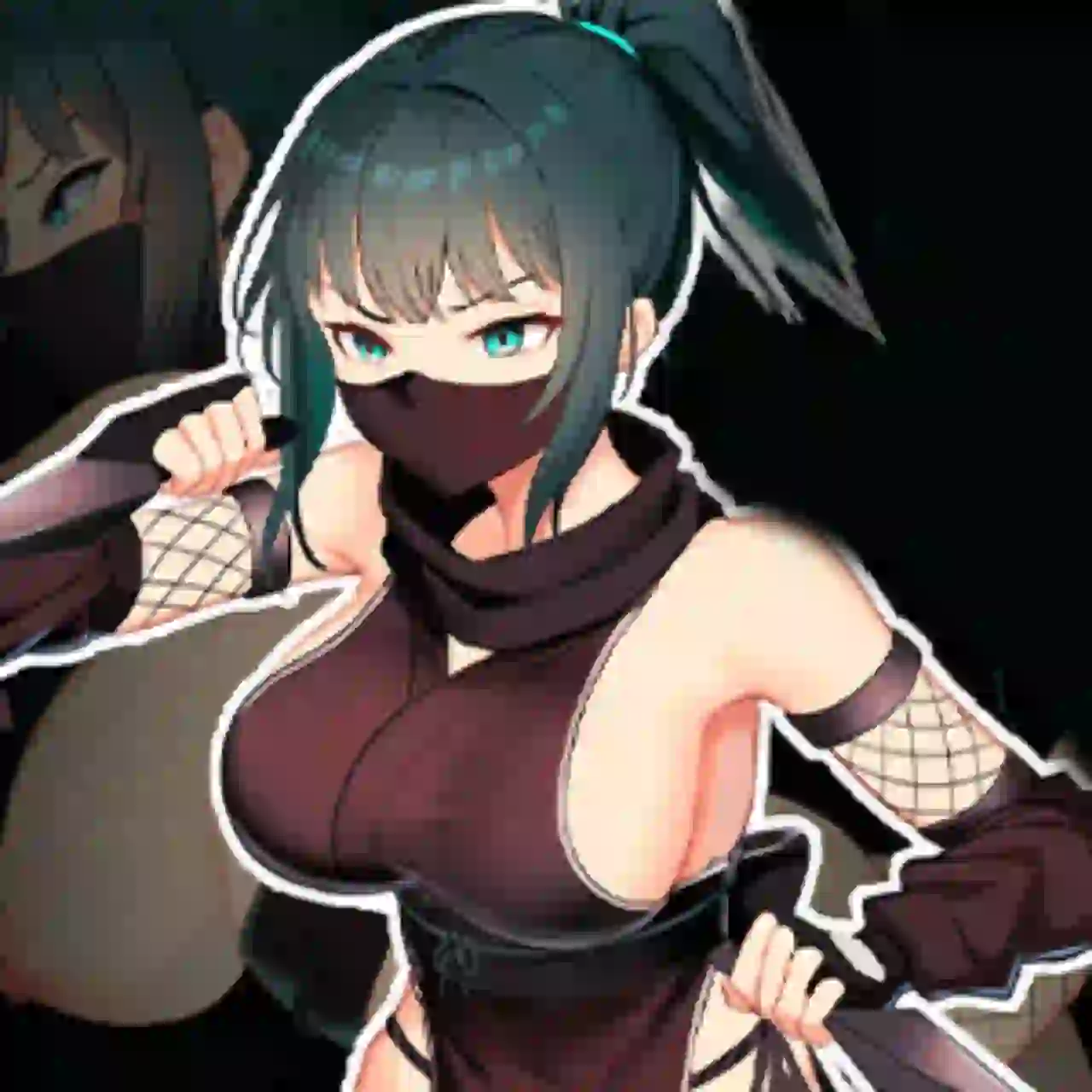
Download Isekai Awakening Mod Apk 2.00.9 (Extreme Codes txt) Download
Cheat Codes
- Old Extreme Code – 9969 (Note: Try PC MOD Version with Extreme Content Unlocked. You can play PC Version on Android with Joiplay without any Problem)
- Relationship Code is – 5010
- King Tier Codes –
- Animation bar (The green double arrow under the right bar) – 7990
- SlaveMaker Tier Codes –
- Gold – 999
- Skill point – 469
- Stamina – 123
- Battle Exp Multiplier – 888
How to Play PC Game on Android with Joiplay
- Install JoiPlay on your Android device using the APK provided below.
- After the download is complete, extract the game archive to any folder on your device.
- Launch JoiPlay and tap the “+” button to add a new game.
- Locate the extracted game folder and choose the Game.exe file. (Download/Isekai_Awakening_v2.00.9/Isekai_Awakening)
- JoiPlay will automatically create a game entry in your library.
How to Install Extreme Content Unlocker MOD
Installation process is the same for both PC and JoiPlay versions.
- Download and Extract Zip File.
- Then Copy “CommonEvents.json” file and Paste into Game “data” Folder.
Isekai Awakening 2.00.9 APK Download (Link 1)
Play PC Version on Android using Joiplay with Extreme Content Unlocked MOD
Isekai Awakening 2.00.9 APK Download (Link 2)
Play PC Version on Android using Joiplay with Extreme Content Unlocked MOD
Isekai Awakening 2.00.9 APK Download (Link 3)
Play PC Version on Android using Joiplay with Extreme Content Unlocked MOD
DOWNLOAD MOD Game (Win) PC.Zip (Link 1)
MOD: Extreme Content Unlocked (Note: You can easily play this PC MOD Version on Android with Joiplay.)
DOWNLOAD MOD Game (Win) PC.Zip (Link 2)
MOD: Extreme Content Unlocked (Note: You can easily play this PC MOD Version on Android with Joiplay.)
DOWNLOAD MOD Game (Win) PC.Zip (Link 3)
MOD: Extreme Content Unlocked (Note: You can easily play this PC MOD Version on Android with Joiplay.)
DOWNLOAD Joiplay APK (Link 1)
The save file installation process is the same for both PC and JoiPlay versions.
Download Save File and Extract it.
Copy the save folder and paste it into the same directory where the Game.exe file is located.
Example: If you extracted the game to your Downloads folder, the save file location should look like this: Downloads/Isekai_Awakening_v2.00.9/Isekai_Awakening/
That’s it.
DOWNLOAD Joiplay APK (Link 2)
The save file installation process is the same for both PC and JoiPlay versions.
Download Save File and Extract it.
Copy the save folder and paste it into the same directory where the Game.exe file is located.
Example: If you extracted the game to your Downloads folder, the save file location should look like this: Downloads/Isekai_Awakening_v2.00.9/Isekai_Awakening/
That’s it.
DOWNLOAD Joiplay APK (Link 3)
The save file installation process is the same for both PC and JoiPlay versions.
Download Save File and Extract it.
Copy the save folder and paste it into the same directory where the Game.exe file is located.
Example: If you extracted the game to your Downloads folder, the save file location should look like this: Downloads/Isekai_Awakening_v2.00.9/Isekai_Awakening/
That’s it.
DOWNLOAD Save File (Link 1)
DOWNLOAD Save File (Link 2)
DOWNLOAD Save File (Link 3)
DOWNLOAD Extreme Content Unlocker MOD (Link 1)
DOWNLOAD Extreme Content Unlocker MOD (Link 2)
DOWNLOAD Extreme Content Unlocker MOD (Link 3)
DOWNLOAD Cheats Mod Menu Files (Link 1)
Installation process is the same for both PC and JoiPlay versions.
Download and Extract Zip File.
After extracting the ZIP file, you will see folders that have the same names as the folders already included in the game directory.
Open the extracted folder and copy the files from each folder into the corresponding folder inside the game directory. When prompted, choose Replace or Overwrite to replace the existing files.
Example: Copy MOD Menu “data” files and Paste in Game “data” Folder.
DOWNLOAD Cheats Mod Menu Files (Link 2)
Installation process is the same for both PC and JoiPlay versions.
Download and Extract Zip File.
After extracting the ZIP file, you will see folders that have the same names as the folders already included in the game directory.
Open the extracted folder and copy the files from each folder into the corresponding folder inside the game directory. When prompted, choose Replace or Overwrite to replace the existing files.
Example: Copy MOD Menu “data” files and Paste in Game “data” Folder.
DOWNLOAD Cheats Mod Menu Files (Link 3)
Installation process is the same for both PC and JoiPlay versions.
Download and Extract Zip File.
After extracting the ZIP file, you will see folders that have the same names as the folders already included in the game directory.
Open the extracted folder and copy the files from each folder into the corresponding folder inside the game directory. When prompted, choose Replace or Overwrite to replace the existing files.
Example: Copy MOD Menu “data” files and Paste in Game “data” Folder.