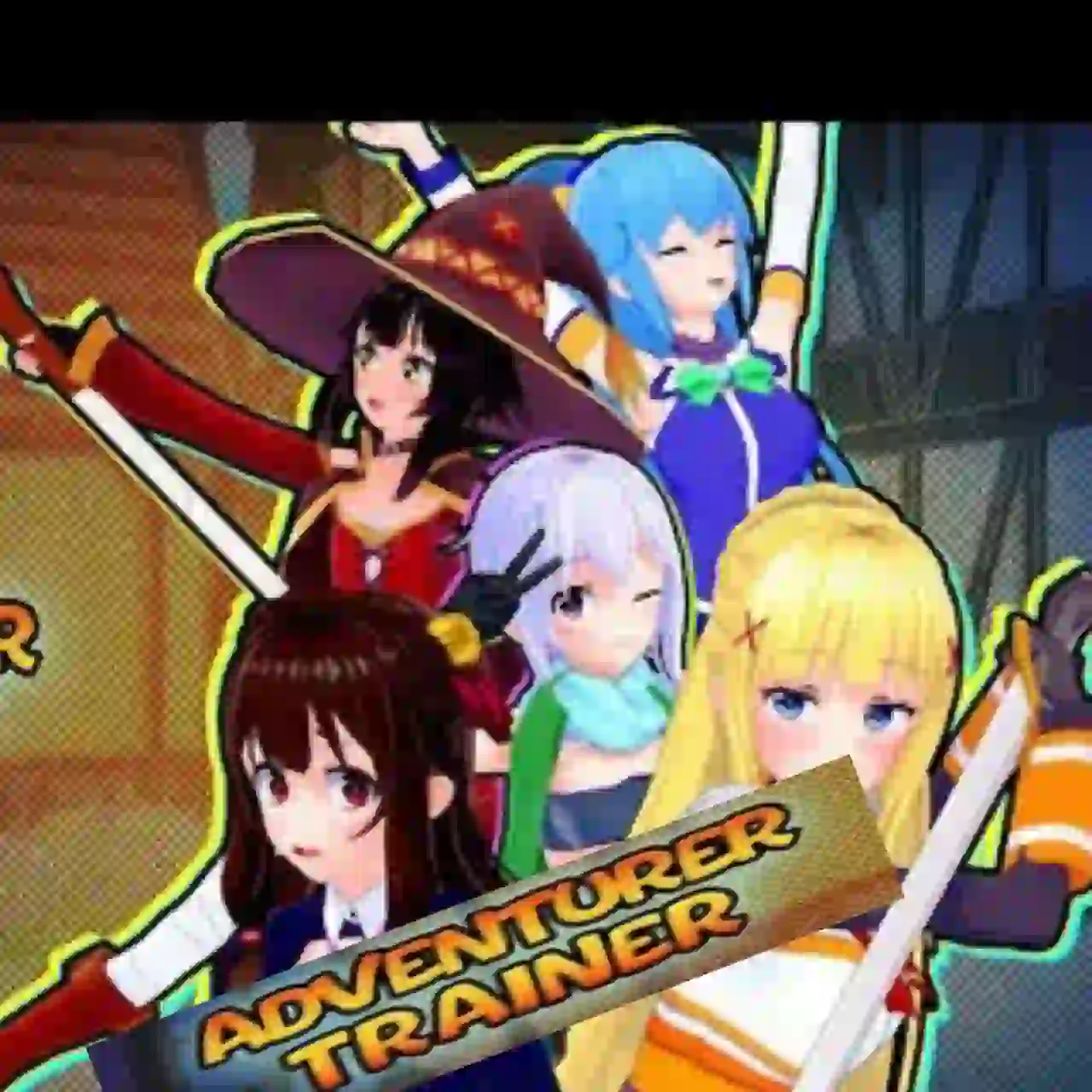
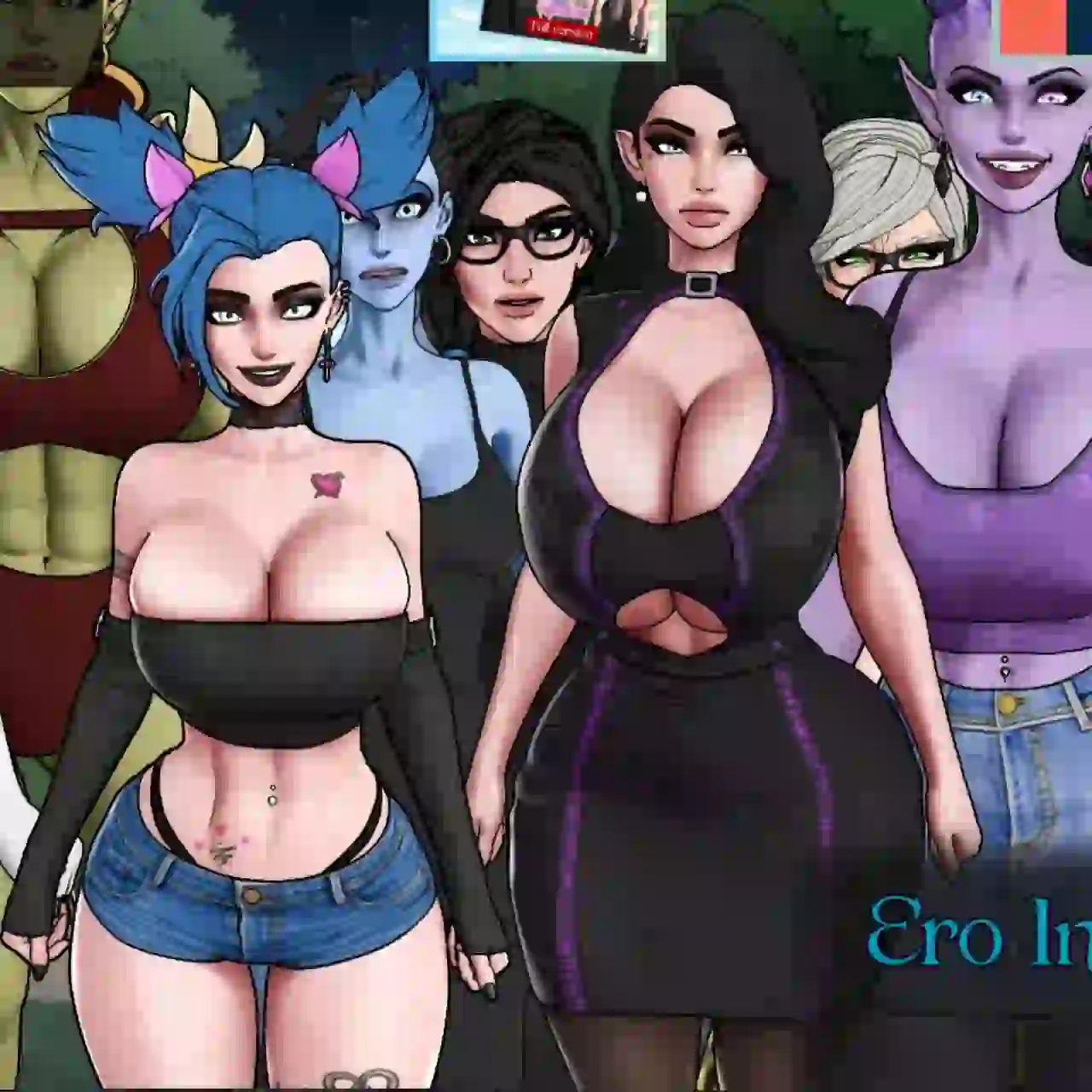
Download Adventurer Trainer APK v0.2.3c (Gallery Unlocked Mod + Save Files) Android
How to Install Save Files
- Download and extract Save Files.zip.
- Copy all the extracted files and paste them into the following folder:
Android/data/com.pastryirl.adventurert/files/saves
- If prompted to replace or overwrite existing files, tap Replace or Overwrite.
- That’s it! Open the installed game, tap Load, and select the save file to continue.
How to Unlock Full Gallery Scenes with Universal Ren’Py MOD
- Download and extract the Universal Ren’Py Mod ZIP file.
- Copy the 0x52_URM.rpa file from the extracted folder.
- Navigate to the game’s game directory: Android/data/com.pastryirl.adventurert/files/game
- Paste the 0x52_URM.rpa file into the game folder.
- If the game folder doesn’t exist, create it manually and then paste the file inside.
- Launch the game and tap Start New Game or Load Game. The Universal Ren’Py Mod Menu will appear.
- Tap the purple “52” floating icon to open the Universal Ren’Py Mod Menu, then tap the Search icon.
- Search for Gallery, open cheat_gallery_unlocked, and change its value from False to True to unlock all gallery scenes.
- You can also search for any resource, stat, or variable and modify its value according to your preference.
Note: Save the game after making changes so you can load the modified save anytime.
Adventurer Trainer APK 0.2.3c Download (Link 1)
Adventurer Trainer APK 0.2.3c Download (Link 2)
DOWNLOAD Save Files (Link 1)
You can unlock 70% of the gallery scenes using save files.
DOWNLOAD Save Files (Link 2)
You can unlock 70% of the gallery scenes using save files.
DOWNLOAD Universal Ren’Py MOD (Link 1)
DOWNLOAD Universal Ren’Py MOD (Link 2)